
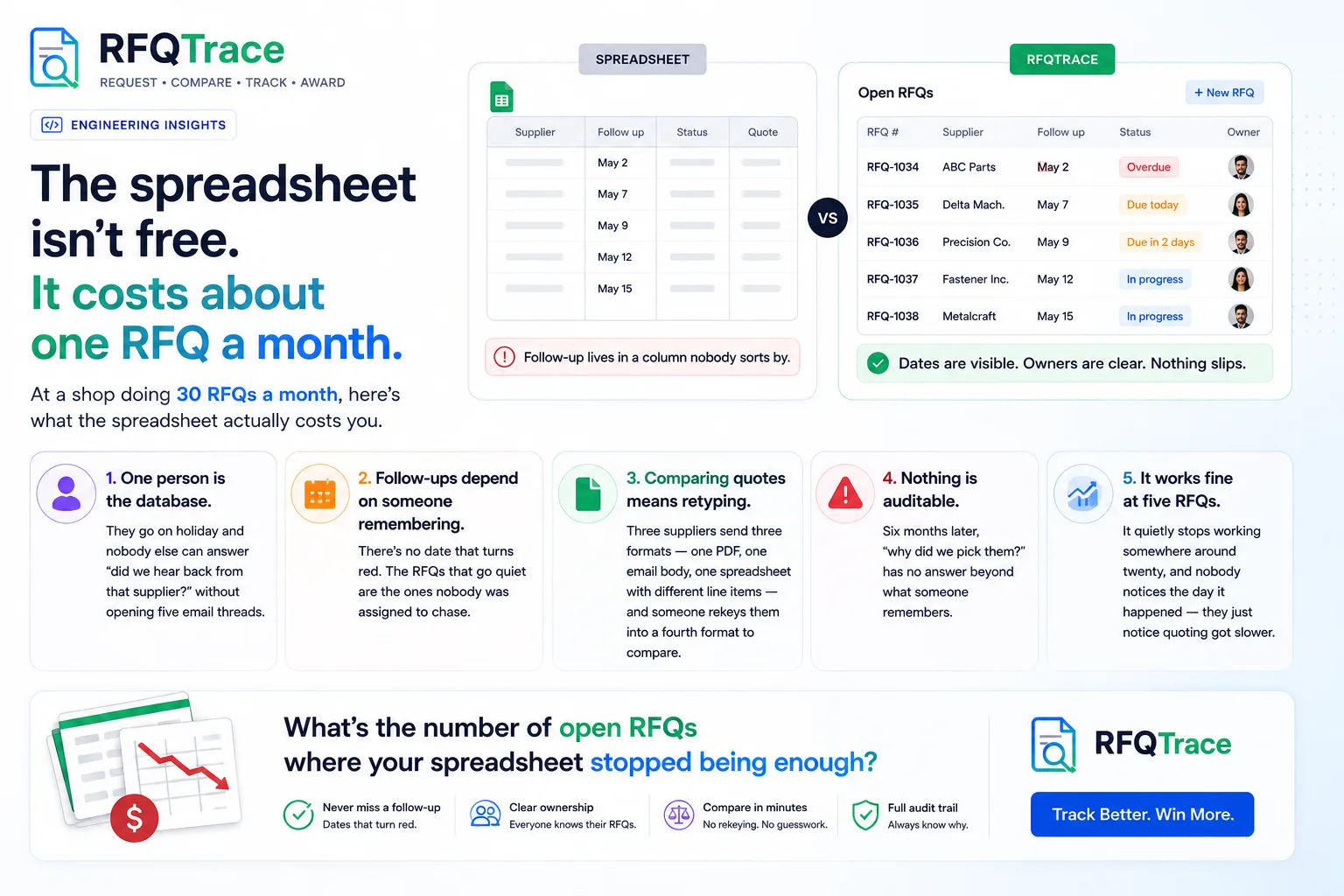
Every shop that sends more than a handful of RFQs a month ends up with the same spreadsheet. It usually starts clean — a tab for open RFQs, a column for each supplier, maybe some conditional formatting to flag what's overdue. Six months later it's 40 tabs wide, half the formulas are broken, and the only person who fully understands it is out sick today.
The spreadsheet isn't the problem. The problem is what it can't do.
It can't tell you what's actually happening right now
A spreadsheet is a snapshot, not a system. It shows you what someone typed in the last time they updated it — not whether Supplier B actually opened the RFQ, whether Supplier C's quote is sitting in someone's inbox unread, or whether the RFQ you sent Tuesday even reached the right contact. By the time a status column says "pending," it's already stale.
This is the actual cost: not the time spent updating cells, but the decisions made on information that was true an hour ago and isn't anymore. A buyer who thinks three suppliers have quoted, when really one bounced and nobody noticed, is going to make a worse sourcing decision than one working from real-time status.
It can't survive someone being out of office
Ask yourself honestly: if the person who owns the RFQ spreadsheet took two weeks off with no laptop, would anyone else on your team know which RFQs are waiting on a decision and which are waiting on a supplier? On most teams, the answer is no. The spreadsheet lives in one person's head as much as it lives in the file — the tabs, the color codes, the unwritten convention that yellow means "waiting" and orange means "overdue." None of that transfers.
That's a single point of failure sitting in the middle of your supply chain, and it's completely invisible until the day it actually causes a problem.
It turns comparison into a copy-paste job
The moment quotes start coming back, the spreadsheet's real weakness shows up. Supplier A sends a PDF. Supplier B sends a line-item Excel with a different column order. Supplier C emails a price and a lead time in the body of the email, no attachment at all. Getting all three into one comparable view means someone manually retyping numbers — which is slow, and worse, is exactly the kind of manual step where a transposed digit on a unit price goes unnoticed until the PO is already placed.
None of this is a knock on the people doing it. It's what happens when a tool built for arbitrary tabular data gets used for a process that actually has a shape: RFQ sent, quotes received, quotes compared, one awarded. A spreadsheet doesn't know that shape. It just holds whatever you put in it.
What actually replaces it
The fix isn't a bigger, better-organized spreadsheet — every team has already tried that, and it degrades the same way every time. It's a system that already understands the shape of an RFQ: who it went to, whether they've responded, what they quoted, and how that compares to everyone else who quoted on the same job. Status updates itself instead of waiting for someone to type it in. Comparison is a view, not a copy-paste exercise. And nothing depends on one person's tab conventions surviving their vacation.
That's the whole idea behind RFQTrace — one dashboard for every RFQ from draft to awarded, a link suppliers use to submit their own quotes in a standard format, and a comparison view that's already built instead of rebuilt every time. If your team is still one shared spreadsheet away from losing track of a quote, it's worth five minutes to see what replacing it actually looks like — start a free 60-day pilot, no setup fee, no contract.